Images and Creatives
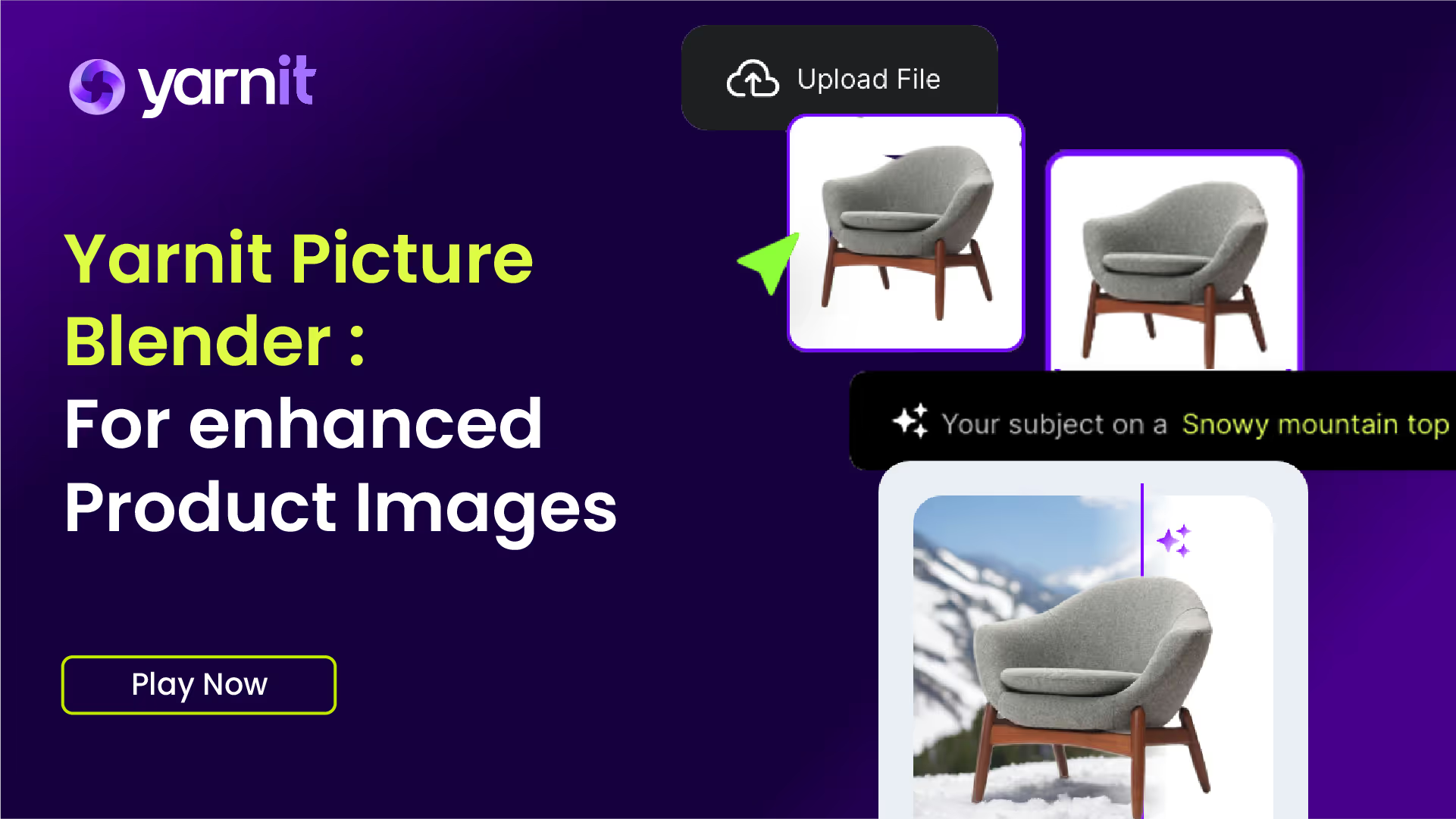
Yarnit Picture Blender: Blend & Transform Images with AI Technology
In this quick tutorial, we'll show you how to effortlessly blend and transform images using Yarnit's powerful AI Picture Blender.

A step-by-step guide on how to set up a clear and consistent brand identity that helps create more creative content

This document outlines the essential steps to set up and optimize your brand using Yarnit. By following these instructions, you will ensure that your marketing and content generation efforts are perfectly aligned with your brand identity, target audience, and organizational goals.
To begin, locate the "Brand Hub" button on the left-hand side pane of Yarnit's interface.

If you are new to Yarnit, you will need to add a new brand.

You will find a default brand that you can start editing. The first area to explore is the brand personality. Access the "Magic Fill" option, which allows you to direct it to your website or upload a document containing your brand information.

The system will analyze the information and update the details accordingly. If you have decided on your brand archetype, you can select it here.

If you're unsure about your brand archetype, feel free to skip this step. You can proceed to the next area.

Add your customer profiles, which include summaries of demographics, goals, and pain points.

These profiles allow you to tailor content for specific personas in Yarnit. To add a customer profile, you have a few options.

You can provide your instructions or direct Yarnit to a relevant webpage or document.

Point the tool to your website or a webpage for Yarnit to extract and understand customer profile information.

Alternatively, use various types of compatible documents, such as PPT, PDFs, or RTF files, to inform the process.

If the AI-generated information is not satisfactory, you can manually adjust the details.

The next critical step is to configure your brand voice, which dictates the tone, language, and phrases you wish to employ.

The brand voice sets the standard for how you communicate with your audience, incorporating phrases you're accustomed to using.

Next, establish your knowledge hub, which serves as a repository for vital brand documents like product manuals, case studies, and white papers.

As you create content, it will be organized in a knowledge graph format, ensuring all document sections are maintained verbatim.

To add information to the knowledge hub, direct it to a URL or upload a document.

You can incorporate various documents, from images to PowerPoints, and add them to a card within the hub.

The brand kit is essential for creative production, allowing you to upload logos, colors, and fonts.

For enterprise accounts, custom fonts can be added. Finally, consider setting up templates.

Templates facilitate the creation of consistent content, whether for blogs, social media posts, or banners. You can add multiple templates to enhance creative production.

You can name each template, choose the aspect ratio, and specify the use cases.

Templates can be added to one or multiple brand kits. Design them within Yarnit or upload them as SVGs from other platforms like Adobe or Canva.

Once uploaded, you'll see organized templates that dictate where to place logos, headings, subheadings, and images.

Ensure all elements are templatized according to your brand design so that every piece of content is consistent.

We highly recommend setting up your brand on Yarnit to align with your design guidelines, ensuring consistency in all your creative endeavors.


From collection to clarity — we’ll help you make sense of it all.

Giving shape to intelligence